
01.ADD A NEW “PROJECT”
Known in Squarespace as Add A Blog Post
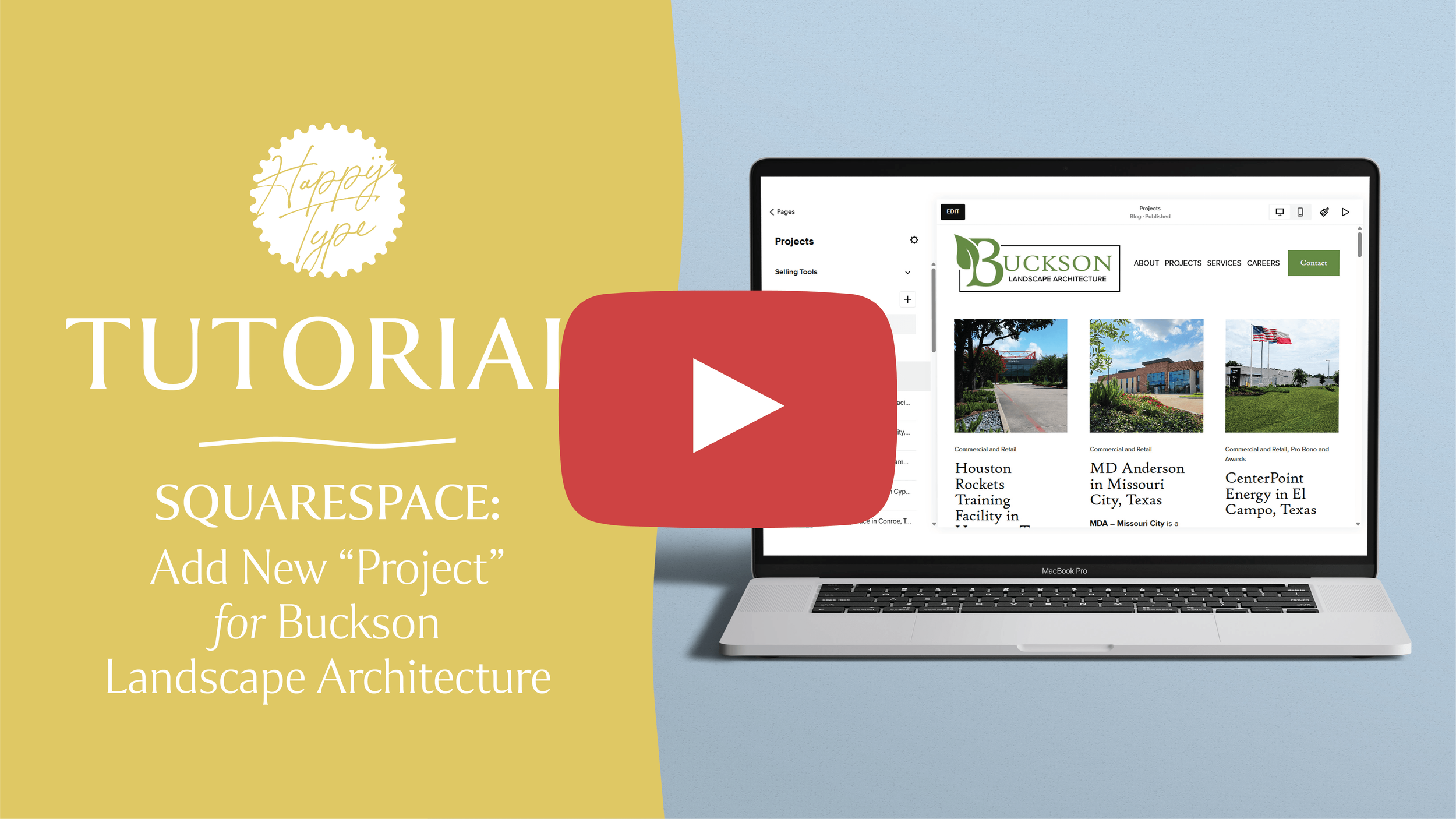
PRIMARY NAVIGATIONS:
ADD A PROJECT PART 01. Projects Blog > Duplicate Template > Settings > Add Featured Image > Options > Categories > Add Project Type > Options > Status > Published > SAVE
PART 02. Edit > Update Title, Project Highlights & Image > Add images to Project Gallery Block > SAVE > Publish
02.CHANGE “FEATURED PROJECTS”
Known in Squarespace as Featured Post
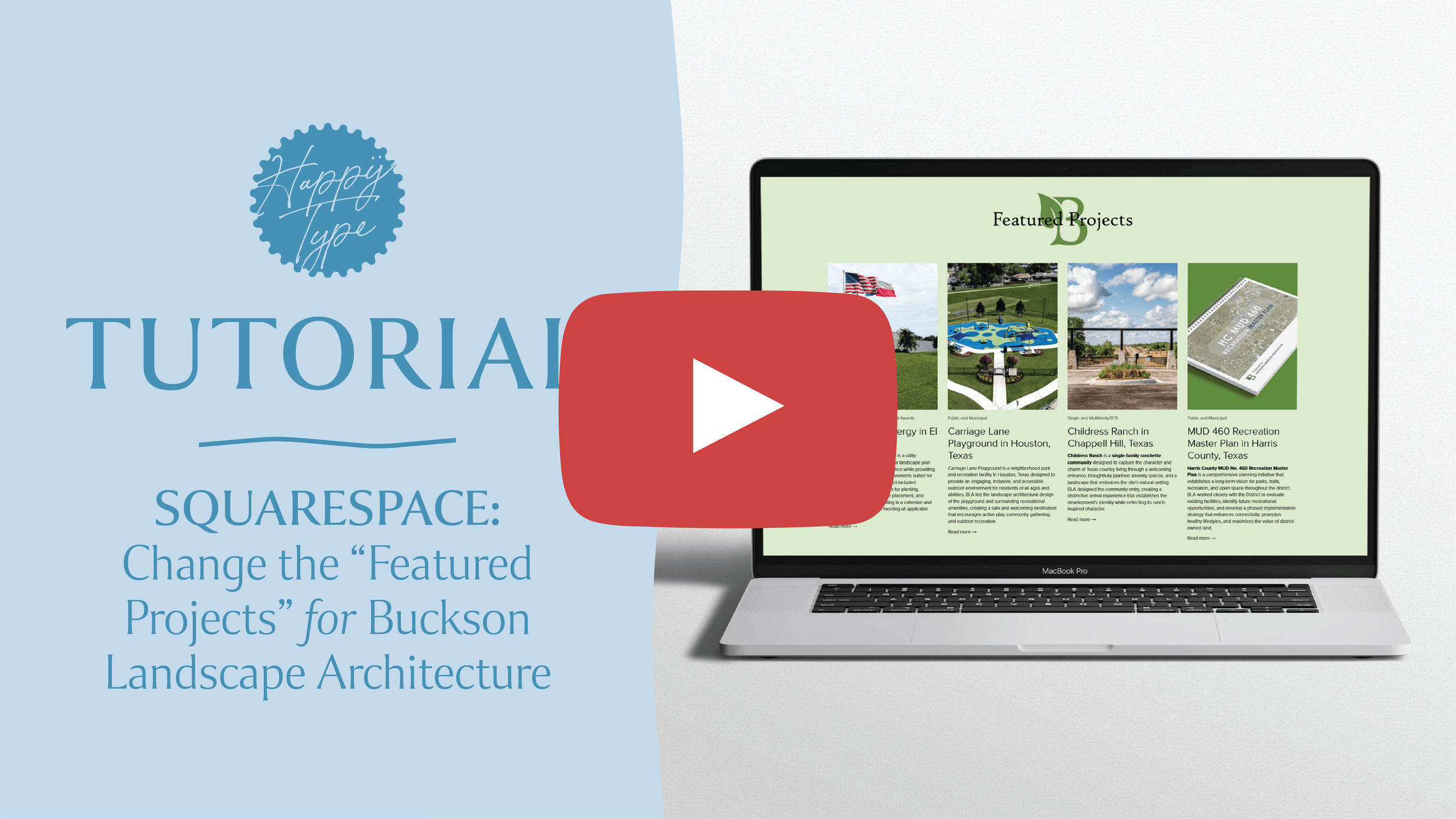
PRIMARY NAVIGATIONS:
CHANGE FEATURED PROJECTS. Projects Blog > Settings of Project you want to remove > Options > Toggle Off “Featured Post” > Settings of Project you want to add > Options > Toggle On “Featured Post”